
absence.io Review: Leave and Absence Management Software for Teams
 Jan 11,2026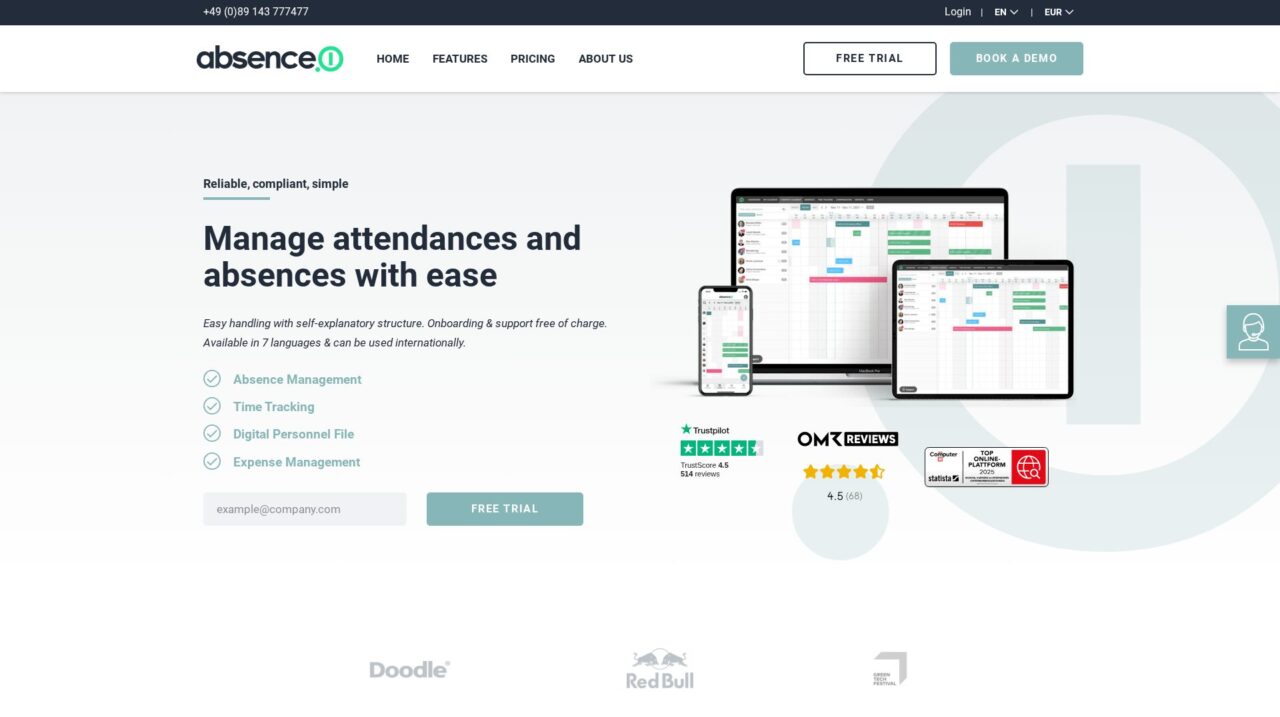

absence.io is an absence management platform for tracking vacations, sick days and other leave types, aimed at HR teams and managers in small to mid-sized companies.
After analyzing absence.io in depth, this review walks through how it performs as a dedicated absence management solution and where it fits in a modern HR stack. If you are just starting to look at tools in this space, it is worth comparing it with other options in our broader absence management software coverage on CX Everywhere so you understand the landscape before committing.
absence.io is a well-known tool in the European market for replacing paper forms and spreadsheets with a centralized system for vacations, sick leave and other absences. Many teams adopt it because it promises transparency for employees and managers while saving HR from manual coordination. Yet as with any focused platform, it is important to understand what it does exceptionally well and where you might still need complementary tools.
In this review you will learn about absence.io’s main features, its real-world pros and cons, the quality of its integrations and which types of organizations it serves best. The goal is to help HR leaders, people operations teams and managers decide whether it is a practical fit for their company’s size, structure and workflows.
At its core, absence.io solves the problem of tracking and approving employee time away from work, surfacing a clear calendar of who is out while also handling related data like employee records and time logs. It is used by HR, team leads and employees across departments to coordinate leave, comply with company policies and keep payroll data aligned.
absence.io Review Summary
Overall, absence.io is a solid, specialized choice for organizations that want to modernize absence and time management without the overhead of a full HR suite. It performs strongly on usability, transparency and integrations with collaboration and identity tools, which are key drivers of adoption across the company.
The tradeoff is that it remains focused on absence, time tracking and basic HR data, so buyers looking for a single system of record for all HR processes will still need additional tools. For most small to mid-sized teams, however, absence.io provides more than enough capability to centralize leave, reduce manual work and give everyone a clear view of who is out and when.
How We Review Tools and Assign the CX Score
We've developed a comprehensive scoring system to evaluate software tools objectively. Our CX Score (1.0–5.0) reflects how strong a product is within its category, based on hands-on testing and analysis across multiple criteria.
Core Functionality
Does the tool deliver the essential features users expect? We assess whether core capabilities meet category standards and if key features are accessible across pricing tiers.
Standout Features
We evaluate unique capabilities that go beyond the basics—features that make the product faster, more efficient, or offer additional value compared to competitors.
Ease of Use
How intuitive is the interface? We consider design quality, mobile apps, templates, and whether complex tasks feel simple to execute.
Onboarding
We measure how quickly new users can get productive with minimal training. High-scoring tools require little to no external support to get started.
Integrations
We assess native integrations, third-party connections, and API access. Tools that connect easily with common tech stacks score higher.
Customer Support
How easy is it to get help? We evaluate support channels, response times, and quality of documentation. Real-time human support scores best.
Value for Money
We compare pricing against features delivered. Software that offers more functionality at competitive prices receives higher marks.
Features of absence.io
- Absence and leave management
- Vacation and sick leave tracking
- Configurable absence types and policies
- Employee self-service portal
- Manager approval workflows
- Team and company calendars
- Time tracking and attendance
- Employee records management
- Document storage for HR files
- Mobile app or mobile access
- Google Workspace integration
- Microsoft 365 integration
- Slack integration
- SCIM user provisioning
- Open API
- Single sign-on with identity providers
- Payroll export support
- Multi-language interface
- Advanced performance management
- Recruiting and applicant tracking
- Full payroll processing
- Benefits administration
- On-premise deployment
Self-service absence requests and approvals
absence.io gives every employee their own login, allowing them to request time off, review current and past absences and see how much vacation they have left. This self-service model reduces the number of ad hoc questions HR and managers need to answer and ensures requests are recorded in a structured way. Compared with email-based workflows, it significantly cuts down on errors and lost requests.
Managers can approve or reject absences within the system, following company-defined workflows. Approval chains and notification settings can be tuned to match your organization’s policies, providing better governance than simple shared calendars or spreadsheets.
Central calendar and team visibility
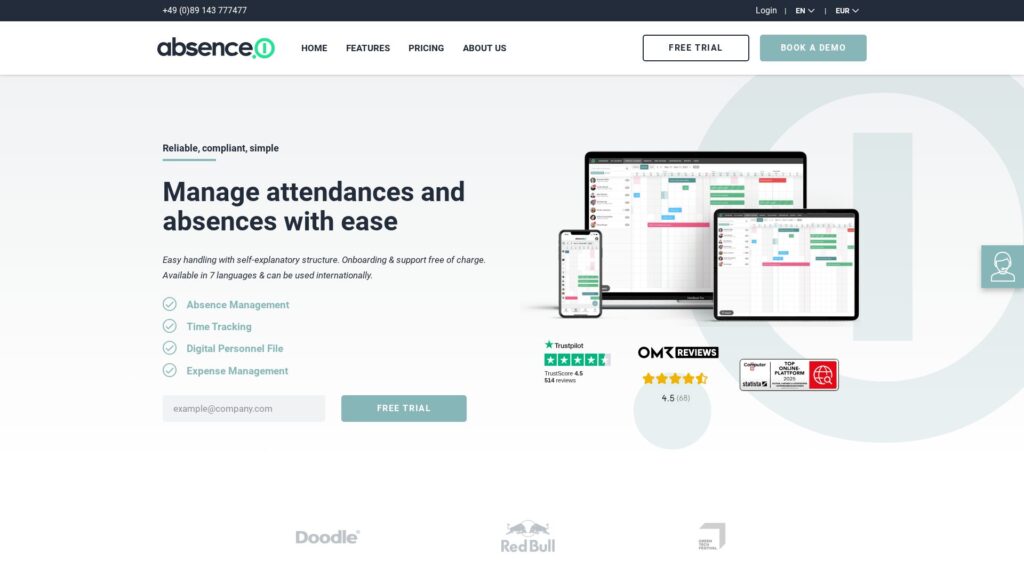
A central calendar view shows who is absent and when, making it much easier for teams to coordinate coverage and avoid understaffed periods. Employees can see colleagues’ planned vacations or other leave types, while managers can quickly gauge team capacity before signing off on new requests.
Compared with typical point solutions or manual methods, this shared calendar approach improves transparency and planning. It is particularly useful for service teams, project-based work and hybrid or remote companies where it is not always obvious who is available.
Configurable absence types and policies
The platform supports multiple absence types including vacations, sick days and other company-specific leave categories. HR can configure which types are available, how they accrue and what documentation or approvals they require. This ensures company policies are encoded in the system rather than being managed informally.
While more complex than simple calendar events, this configuration is still lighter than in enterprise HR suites, which makes it approachable for smaller organizations. It strikes a reasonable balance between flexibility and simplicity.
Basic HR data and document storage
Beyond absences, absence.io allows organizations to store essential employee information and related documents. This keeps HR data that directly impacts absences and time tracking in one place, reducing the need to constantly switch between systems.
Although it does not aim to be a comprehensive HRIS, having core records attached to absence history and time tracking is valuable for audits, performance discussions and payroll coordination.
Time tracking and attendance
absence.io includes capabilities for managing attendances and time tracking, giving teams a way to log working hours alongside absences. This can simplify reporting for hourly staff or teams that need to capture project or shift-based work.
For many organizations, combining time logging with absence management reduces data fragmentation and helps ensure that payroll or billing calculations are based on consistent information.
Exports and support for payroll workflows
The system’s filtering and export functions allow HR to generate quick overviews of absences for specific periods, teams or employees. These exports are helpful for handing data to payroll providers such as DATEV or internal finance teams.
Compared with manual consolidation of spreadsheet tabs or email trails, structured exports reduce processing time and the risk of mistakes, especially during monthly payroll cycles or audits.
Mobile access for on-the-go teams
absence.io offers mobile access so employees and managers can request, approve and review absences while away from their desks. This is particularly important in field-based or multi-location environments where not everyone sits in front of a computer all day.
Compared with desktop-only tools, mobile support helps keep data up to date and encourages more timely approvals, which in turn improves the accuracy of staffing plans.
absence.io is designed with everyday employees in mind, not just HR specialists. The interface centers on a clear calendar and straightforward request forms, so most users can understand the basics without formal training. Employees log in with familiar Google Workspace or Microsoft 365 credentials, which further reduces friction and forgotten passwords.
Administrators will need some initial setup time to define absence types, configure policies and connect integrations like Microsoft Azure SCIM or Slack. However, once those are in place, ongoing administration is relatively light. HR teams can quickly filter data for reports, export information for payroll and adjust settings as policies change, without navigating a sprawling enterprise configuration menu.
Integrations are one of absence.io’s notable strengths. The platform supports sign-up and authentication via Google Workspace and Microsoft 365, allowing employees to use accounts they already have and simplifying onboarding. Through its SCIM integration with Microsoft Azure, IT teams can automatically create and manage user accounts in absence.io when employees join, move departments or leave the company, keeping records in sync.
On the collaboration side, a Slack integration enables notifications about absences to appear directly in team channels and lets organizations import users from Slack, helping ensure coverage information lives where day-to-day communication happens. In addition, absence.io exposes an open API so technical teams can integrate absence and time data with HR systems, payroll providers or analytics tools. Buyers should review the latest integration catalog and API documentation during evaluation to verify support for their specific stack and confirm any limits on available endpoints.
absence.io Overview
Pros
- Strong focus on absence and time management with a clean, intuitive interface
- Every employee gets a login, improving transparency and self-service leave requests
- Deep integrations with Google Workspace, Microsoft 365 and Slack support easy adoption
- SCIM-based user provisioning via Microsoft Azure reduces IT administration effort
- Open API enables custom connections to HR, payroll and analytics systems
- Calendar-based visibility makes team capacity and coverage planning far easier
- Supports mobile use, making it practical for distributed and field teams
Cons
- Does not replace a full HR suite for recruitment, performance or benefits
- Complex multinational or unionized leave policies may push its configurability limits
- Larger enterprises might still require deeper workflow customization and reporting
- Buyers must validate pricing and plan details separately due to limited public information
absence.io: Frequently Asked Questions
What is absence.io used for?
absence.io is used to manage employee absences such as vacations, sick leave and other time off, while providing HR and managers with clear visibility and structured approval workflows.
Who is absence.io best suited for?
It is best suited for small to mid-sized organizations that need a dedicated absence and time management tool rather than a full HR suite.
Does absence.io replace a full HRIS or HCM system?
No, absence.io focuses on absence management, basic HR data and time tracking, so larger organizations may still use it alongside a broader HR platform.
What integrations does absence.io support?
absence.io offers direct connections to Google Workspace, Microsoft 365, Microsoft Azure SCIM for user provisioning, Slack for notifications and user import, plus an open API for custom integrations.
Is absence.io easy for employees to use?
Yes, employees get their own login and can sign in via Google or Microsoft accounts, request leave through a simple interface and view their remaining balances and upcoming absences.
How does absence.io help HR and payroll teams?
HR can standardize absence policies, quickly filter and export data for payroll providers and avoid chasing email threads or spreadsheets, reducing manual work and errors.
Can absence.io handle time tracking as well as absences?
Yes, absence.io includes functionality for managing attendances and time tracking, so working hours can be captured alongside leave data.
Is absence.io suitable for remote or hybrid teams?
Yes, with web and mobile access plus Slack integration, it works well for distributed teams that need clear visibility into who is available each day.
