
GoodTime Review: AI Interview Scheduling & Hiring Experience Platform
 Jan 31,2026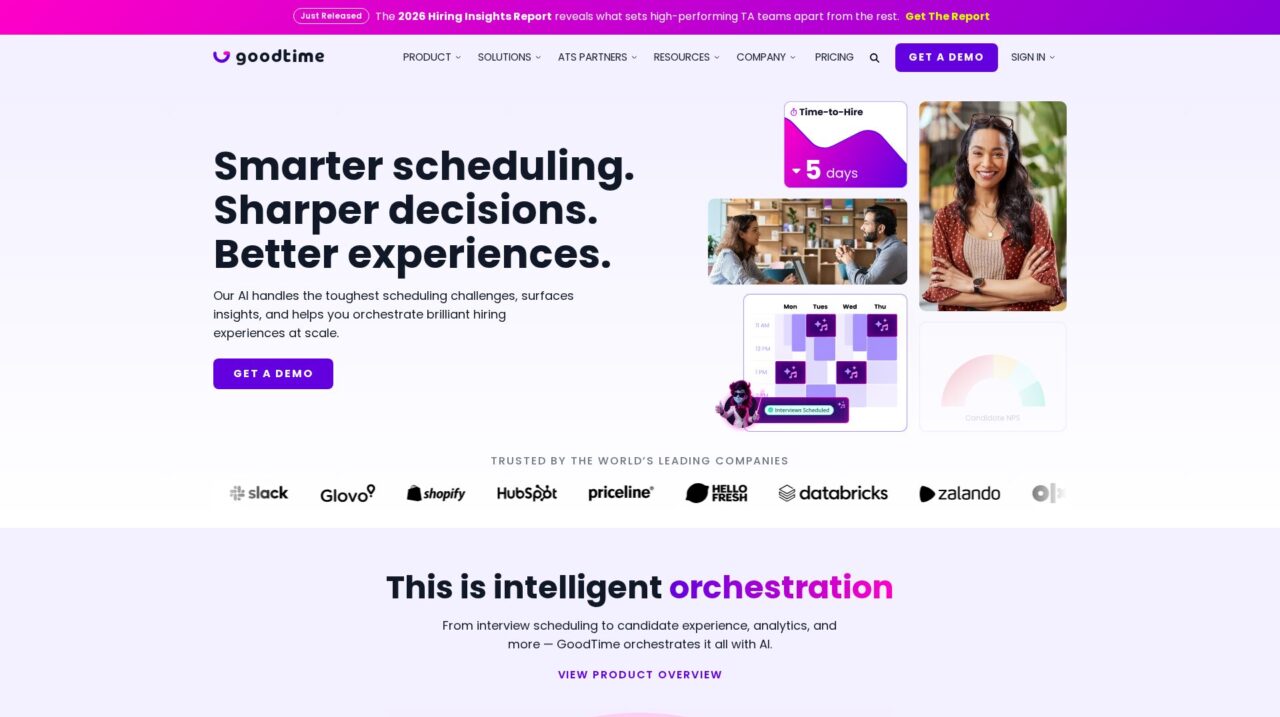

GoodTime is an AI-powered interview scheduling and recruiting coordination platform for talent acquisition teams that need to automate complex, high-volume hiring.
After analyzing GoodTime and how it fits into modern recruiting tech stacks, this review walks through where it shines and where it has tradeoffs. If you are still evaluating the broader landscape, you may also want to compare it against other options in our applicant tracking and interview scheduling coverage on CX Everywhere.
GoodTime is widely recognized as one of the leading interview scheduling platforms, especially for enterprise teams that run complex hiring processes. Yet many buyers still struggle to understand how it differs from native ATS scheduling or generic calendar tools, and whether its AI capabilities justify adding another system to the stack.
In this review, we will unpack GoodTime’s core strengths, limitations, and best-fit use cases so you can quickly see whether it aligns with your team’s size, hiring volume, and process complexity. We will focus on real-world considerations such as automation depth, integrations, candidate experience, analytics, and operational overhead.
The discussion is geared toward talent acquisition leaders, recruiting operations, HR technology owners, and founders or hiring managers at fast-growing companies. If your organization coordinates a lot of interviews, struggles with time-to-hire, or wants to improve candidate experience without adding headcount, GoodTime is designed to address those problems by automating interview management with human-centric AI.
GoodTime Review Summary
GoodTime is a mature, purpose-built platform for automating interview scheduling and improving the recruiting experience for candidates, interviewers, and TA teams. Its biggest strengths lie in handling complex, multi-step interview flows and high-volume hiring while integrating cleanly with enterprise ATS platforms like Workday, SuccessFactors, and iCIMS.
Teams should expect some upfront implementation work and a focus on mid-market to enterprise pricing and feature depth rather than entry-level simplicity. If your hiring is frequent and operationally complex, GoodTime scores highly on ROI and capability; if your hiring is occasional and simple, lighter scheduling tools or basic ATS features may be sufficient.
How We Review Tools and Assign the CX Score
We've developed a comprehensive scoring system to evaluate software tools objectively. Our CX Score (1.0–5.0) reflects how strong a product is within its category, based on hands-on testing and analysis across multiple criteria.
Core Functionality
Does the tool deliver the essential features users expect? We assess whether core capabilities meet category standards and if key features are accessible across pricing tiers.
Standout Features
We evaluate unique capabilities that go beyond the basics—features that make the product faster, more efficient, or offer additional value compared to competitors.
Ease of Use
How intuitive is the interface? We consider design quality, mobile apps, templates, and whether complex tasks feel simple to execute.
Onboarding
We measure how quickly new users can get productive with minimal training. High-scoring tools require little to no external support to get started.
Integrations
We assess native integrations, third-party connections, and API access. Tools that connect easily with common tech stacks score higher.
Customer Support
How easy is it to get help? We evaluate support channels, response times, and quality of documentation. Real-time human support scores best.
Value for Money
We compare pricing against features delivered. Software that offers more functionality at competitive prices receives higher marks.
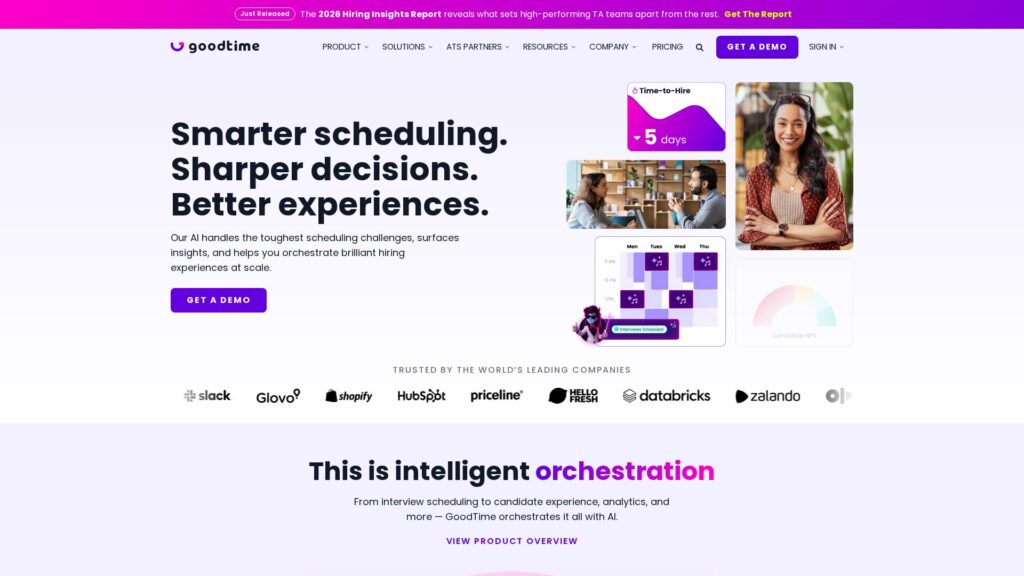
Features of GoodTime
- AI-driven scheduling
- Multi-interviewer panel scheduling
- High-volume and event-based scheduling
- Candidate self-service rescheduling
- 24/7 AI agents for coordination
- ATS integrations (Workday, SuccessFactors, iCIMS)
- Analytics and reporting dashboards
- Candidate experience automation
- Bias protection and fairness controls
- Enterprise-grade security certifications
- API access
- Custom interview workflows and templates
- Interviewer load balancing
- Global time zone support
- Mobile-friendly candidate experience
- Native ATS replacement
AI-Powered Interview Scheduling That Handles Panels and Loops
GoodTime’s most important feature is its AI-powered scheduling engine, designed specifically for recruiting workflows rather than generic calendar booking. It understands interview loops, the roles or skills needed in each stage, interviewer pools, and candidate preferences, then finds optimal time slots while minimizing manual back-and-forth.
Compared to typical tools that provide a simple booking link, GoodTime excels in complex scenarios such as multi-interviewer panels, back-to-back loops across time zones, and last-minute changes. This depth makes it particularly valuable for engineering, leadership, or cross-functional hiring where manual coordination can waste hours per candidate.
Always-On AI Agents for Candidate and Interviewer Coordination
GoodTime uses AI agents to keep the hiring process moving 24/7, automatically sending invitations, reminders, and updates to both candidates and interviewers. These agents can handle many of the repetitive, transactional interactions that usually fall on recruiting coordinators, such as reschedule requests or follow-up confirmations.
For TA teams, this means fewer bottlenecks when coordinators are offline and less risk that candidate interest will fade while waiting for someone to manually reply. It also supports a more consistent, structured candidate experience, which is hard to achieve when everything runs through email threads and spreadsheets.
Candidate Experience Tools for Human-Centric Hiring
Beyond pure logistics, GoodTime invests in the candidate-facing side of scheduling: clear communication, flexible self-service options, and thoughtfully timed notifications. The platform is built to make candidates feel informed and respected, reducing friction without sacrificing the structure that hiring teams need.
Where basic tools might only send a calendar invite, GoodTime can orchestrate a sequence of touchpoints that align with your employer brand and process. This is particularly useful in competitive talent markets where a smooth scheduling experience can influence offer acceptance and overall perception of your company.
Analytics and Insights Into Time-to-Hire and Process Health
GoodTime surfaces analytics about your interview operations, offering visibility into time-to-schedule, time-to-hire, interviewer utilization, and bottlenecks by role or team. These insights go beyond typical ATS reports by focusing on the coordination layer where many delays actually occur.
Recruiting operations teams can use this data to refine interviewer pools, adjust SLAs, and redesign interview loops based on hard evidence rather than intuition. For enterprise leaders, this level of reporting supports ROI stories and budget justification, which is one reason GoodTime emphasizes its strong ROI ratings on G2.
Deep ATS Integrations to Eliminate Double Entry
GoodTime integrates deeply with leading ATS platforms like Workday, SuccessFactors, and iCIMS, synchronizing candidates, requisitions, and interview stages. This allows recruiters to keep using their ATS as the system of record while GoodTime handles the heavy lifting of scheduling and communication in the background.
Many generic schedulers require manual data entry or copy-pasting between systems, which creates errors and slows teams down. In contrast, GoodTime’s native integrations aim to ensure that updates made in either system are reflected quickly in the other, reducing operational risk and support overhead.
Support for High-Volume and Event-Based Hiring
The platform is built to address not only standard requisition-based hiring but also high-volume and event-based recruiting such as campus events or large-scale hiring days. Coordinating hundreds of short interviews or assessment sessions is where manual workflows and simple tools frequently break down.
GoodTime’s event-oriented scheduling capabilities, combined with AI agents and analytics, make it a strong fit for organizations that regularly run hiring days, job fairs, or campus programs where candidate experience, fairness, and throughput all matter simultaneously.
Enterprise-Grade Security and Bias Protection
GoodTime emphasizes enterprise-grade security together with independently certified bias protection. For large organizations, this is not just a checkbox; it impacts whether legal, compliance, and security teams will approve the tool for production use.
Compared with smaller or generic scheduling products, this focus on security and bias mitigation is a differentiator. It reassures enterprises that the AI logic governing interviewer selection and candidate communication will not inadvertently create risk, while still enabling high levels of automation.
GoodTime is not a plug-and-play widget; it is a workflow automation platform, so you should expect a structured implementation. Teams need to configure integrations with their ATS, define interview templates, set up interviewer pools, and align internal processes with the automation capabilities. This typically involves recruiting operations or system administrators working alongside GoodTime’s implementation team.
Once live, everyday usability is generally strong. Recruiters mostly work from familiar ATS screens while GoodTime handles background scheduling, which reduces cognitive load. Coordinators see a central view of interview pipelines, pending actions, and exceptions, replacing spreadsheets and ad hoc email chains. Interviewers and candidates interact primarily through clear invitations and messages, meaning they do not need deep product training to benefit from the system.
GoodTime’s integration strategy centers on deep, native connections with enterprise ATS platforms, including Workday, SAP SuccessFactors, and iCIMS. These integrations typically synchronize job requisitions, candidates, interview stages, and outcomes, allowing GoodTime to automate scheduling based on live ATS data and then write status updates back as interviews are booked or changed.
While detailed integration lists are not fully enumerated in the provided information, buyers should confirm whether their ATS and collaboration tools are supported, and whether an open API is available for custom workflows. For most enterprise TA teams, the presence of strong ATS integrations is the deciding factor, as it determines how seamless the workflow will feel and how much duplicate effort can truly be eliminated.
GoodTime Overview
Pros
- Purpose-built for recruiting workflows with strong support for panels and complex loops
- AI agents automate candidate and interviewer coordination 24/7, reducing manual back-and-forth
- Deep integrations with leading ATS platforms like Workday, SuccessFactors, and iCIMS
- Strong focus on candidate experience and human-centric automation
- Enterprise-grade security and independently certified bias protection
- Robust analytics that help reduce time-to-hire and surface bottlenecks
- Designed to handle high-volume and event-based hiring such as campus recruiting
- Delivers strong ROI for enterprise teams according to third-party ratings
Cons
- Best suited to mid-market and enterprise teams, less ideal for very small businesses
- Requires structured implementation and process design rather than instant setup
- Not a full ATS, so teams without an ATS may see limited value
- May feel like overkill for organizations with low hiring volume or simple interviews
GoodTime: Frequently Asked Questions
What is GoodTime used for?
GoodTime is used by talent acquisition teams to automate interview scheduling, coordinate candidates and interviewers, and improve the overall hiring experience at scale.
Who is GoodTime best suited for?
It is best for mid-sized to large organizations with frequent hiring, complex interview loops, or high-volume recruiting programs, especially those already running an enterprise ATS.
Does GoodTime replace my ATS?
No. GoodTime complements your ATS by handling scheduling and coordination while your ATS remains the system of record for jobs and candidates.
How does GoodTime integrate with existing systems?
GoodTime offers deep integrations with major ATS platforms like Workday, SuccessFactors, and iCIMS, synchronizing candidates and interview stages so interviews can be scheduled automatically.
Is GoodTime suitable for small businesses with occasional hiring?
Small organizations with low hiring volume and simple one-on-one interviews may find GoodTime more powerful than they need and might not realize its full ROI.
What kind of security and compliance does GoodTime offer?
GoodTime provides enterprise-grade security and independently certified bias protection so that automated scheduling and interviewer selection align with corporate and regulatory expectations.
How hard is it to implement GoodTime?
Implementation typically involves configuring ATS integrations, defining interview templates, and setting up interviewer pools, which is manageable for most TA teams but not an instant plug-and-play setup.
