
Jibble Review: Free Time Tracking & Timesheets Software for Teams
 Jan 11,2026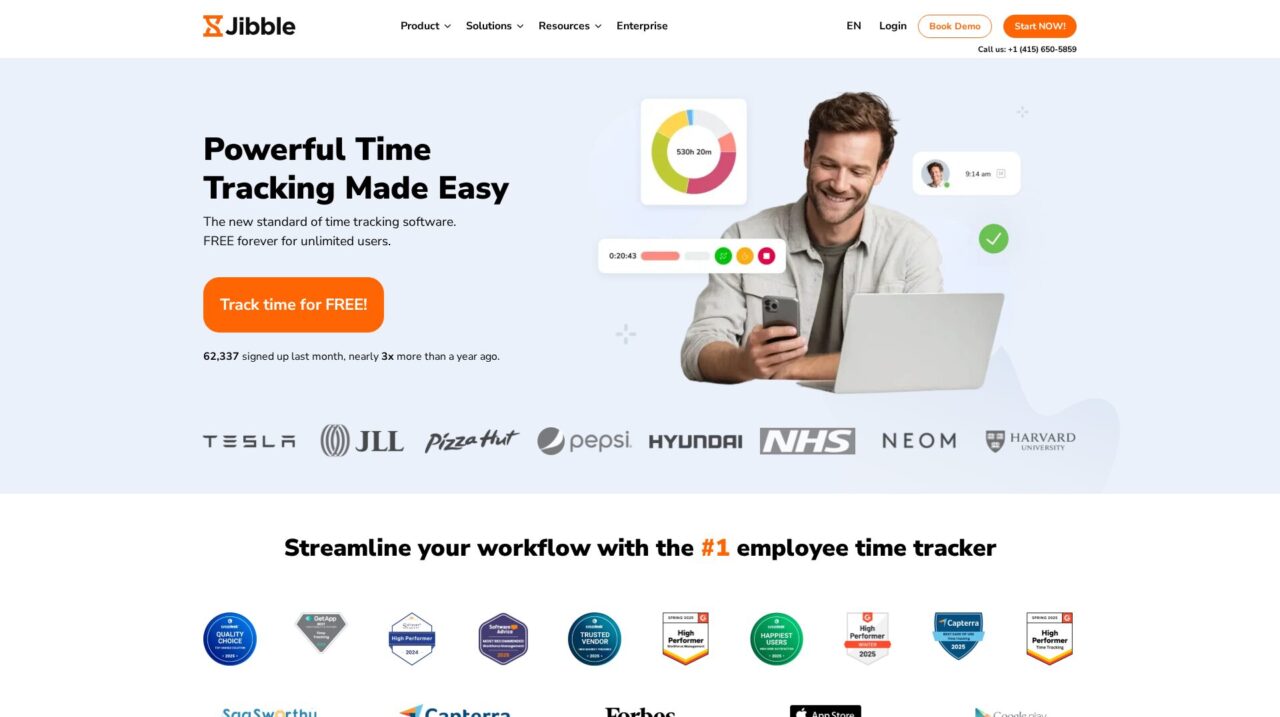

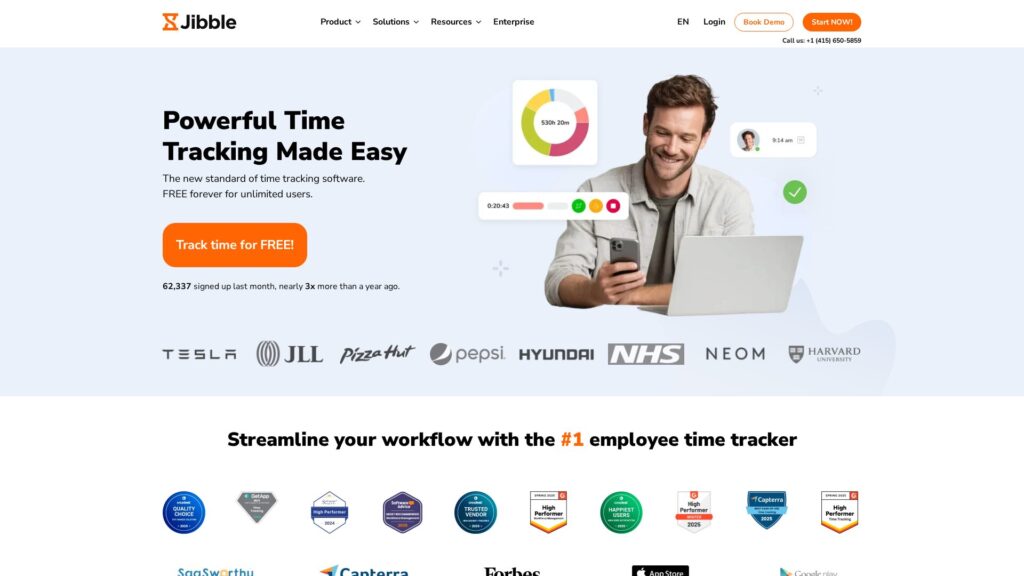
Jibble is a cloud-based time tracking and timesheet platform offering a generous free plan for unlimited users. It helps businesses track hours, attendance, projects, and productivity across desktop, web, and mobile.
After analyzing Jibble in depth as a dedicated time tracking platform, this review lays out how it really performs for modern teams. If you are still exploring your options, you may also want to compare it with other leading tools in our broader time tracking software coverage on CX Everywhere, where we benchmark this category end to end.
Jibble has become a well-known name in time tracking, largely because it combines a genuinely free plan for unlimited users with features you would typically expect from paid products. That popularity does not automatically mean it is the right fit for every business, so it is worth looking closely at where it excels and where you might run into limitations.
In the sections that follow, you will get a clear view of Jibble’s strengths, weaknesses, standout features, and ideal use cases, along with how it compares to typical alternatives. The goal is to help you decide whether Jibble is the right time tracking backbone for your organization, and if so, how to approach rollout and upgrades.
This review is most relevant for small to mid-sized businesses, distributed or hybrid teams, and organizations with hourly or project-based workers that need accurate timesheets, straightforward clock-in experiences, and clean integrations with payroll and accounting systems. If that sounds like your context, Jibble is very much worth a closer look.
Jibble Review Summary
Overall, Jibble delivers a focused, high-value time tracking solution that covers most of what small and mid-sized teams need for attendance, project time tracking, and timesheets. Its free-forever plan for unlimited users dramatically lowers the barrier to adopting structured time tracking, and the product’s emphasis on usability means frontline staff are more likely to use it consistently.
The tradeoff is that Jibble stays intentionally narrow: it does not try to be your HR, payroll, or performance management system, and very complex workforce scenarios may find its capabilities limited compared to heavyweight WFM suites. For most organizations that want to get out of spreadsheets and into a reliable, modern time tracking tool with sensible upgrade options, it is one of the strongest choices available.
How We Review Tools and Assign the CX Score
We've developed a comprehensive scoring system to evaluate software tools objectively. Our CX Score (1.0–5.0) reflects how strong a product is within its category, based on hands-on testing and analysis across multiple criteria.
Core Functionality
Does the tool deliver the essential features users expect? We assess whether core capabilities meet category standards and if key features are accessible across pricing tiers.
Standout Features
We evaluate unique capabilities that go beyond the basics—features that make the product faster, more efficient, or offer additional value compared to competitors.
Ease of Use
How intuitive is the interface? We consider design quality, mobile apps, templates, and whether complex tasks feel simple to execute.
Onboarding
We measure how quickly new users can get productive with minimal training. High-scoring tools require little to no external support to get started.
Integrations
We assess native integrations, third-party connections, and API access. Tools that connect easily with common tech stacks score higher.
Customer Support
How easy is it to get help? We evaluate support channels, response times, and quality of documentation. Real-time human support scores best.
Value for Money
We compare pricing against features delivered. Software that offers more functionality at competitive prices receives higher marks.
Features of Jibble
- Cloud-based deployment
- Mobile apps (iOS and Android)
- Web and desktop time tracker
- Kiosk mode for shared devices
- Automatic timesheets
- Overtime and break rules
- Project and client-based time tracking
- GPS location tracking
- Facial recognition attendance
- Screenshot monitoring
- Real-time who-is-working dashboard
- Customizable schedules and shifts
- Timesheet approvals workflow
- Reporting and analytics dashboards
- CSV and Excel exports
- Integrations with accounting and payroll (e.g., Xero, QuickBooks)
- Zapier integration
- Deel integration
- Open API
- Single Sign-On (SSO)
- Role-based access controls
- Multi-language support
- Email and in-app notifications
- Employee reminders and nudges
- Screen recording optionality controls
- On-premise deployment
- Built-in payroll processing
- Performance management module
- Recruiting and applicant tracking
Accurate employee time and attendance tracking
Jibble’s core feature is a simple but robust time clock that lets employees clock in and out from web, desktop, or mobile apps, or via a shared kiosk device. This flexibility is critical in real-world operations where some staff are desk-based while others work in the field or on the shop floor. Compared with basic time trackers, Jibble adds policy-aware handling of breaks, overtime, and schedules so the data is ready for payroll and compliance checks without heavy manual cleanup.
Because clocking in is intentionally streamlined, adoption is typically higher than with more complex workforce tools. That matters: any time tracking solution is only as good as your completion rates. Jibble strikes a strong balance between control for admins and simplicity for staff, which is a differentiator in its category.
Automatic timesheets with overtime and break calculations
Every time entry automatically feeds into individual and team timesheets, where Jibble calculates total hours, overtime, and breaks according to your configuration. This automation significantly reduces administrative effort compared with spreadsheets or manual tallying and reduces errors that lead to payroll disputes. Managers can review, adjust, and approve timesheets before exporting or pushing the data downstream.
Against typical SMB time trackers, Jibble’s timesheet capabilities are comparatively strong, especially once you start dealing with variable shifts, overtime rules, or frequent corrections. The platform also offers clear visibility for employees, who can see and analyze their own hours, improving transparency and reducing questions to HR or managers.
Project, client, and activity-based time tracking
Jibble enables tracking time not just against shifts but also against projects, clients, or activities, which is vital for professional services, agencies, and internal project-based teams. Staff can select the appropriate project or task when they start working, and managers can later analyze time distribution across these dimensions. This supports accurate billing, internal cost allocation, and productivity analysis.
Many plain time clocks stop at attendance; Jibble’s project tracking layer makes it closer to dedicated project time trackers while still being easy for frontline staff to use. If you bill by the hour or rely on understanding where effort is going, this is a key differentiator versus basic punch-clock tools.
Advanced verification with facial recognition and GPS tracking
For organizations that need to ensure that the person clocking in is who they say they are, Jibble offers facial recognition attendance, often used with kiosk devices or shared tablets. Combined with GPS tracking on mobile, this helps reduce buddy punching and gives managers location-aware visibility of their workforce. These features are particularly valuable for field services, construction, and multi-site operations.
While some competitors also offer GPS and biometrics, Jibble manages to package these capabilities in a product that is still approachable for small and mid-sized businesses. The platform emphasizes appropriate use rather than blanket surveillance, which can make adoption smoother in teams that are wary of intrusive monitoring.
Reporting, analytics, and exportable insights
Jibble’s reporting engine surfaces key metrics like hours worked by employee, project, client, and location, along with overtime and attendance patterns. Managers can drill into detailed records or view aggregate summaries to spot trends, workload imbalances, and cost drivers. Reports can typically be exported in common formats, making it straightforward to feed them into payroll, accounting, or BI tools.
Compared to stripped-down time trackers that only provide basic CSV exports, Jibble’s reporting is more aligned with what finance and operations teams expect in a production system. While it does not replace a full analytics stack, it provides enough out-of-the-box structure to guide staffing, budgeting, and productivity decisions.
Optional desktop screenshots and activity monitoring
For knowledge-work teams that need more visibility into what happens during tracked hours, Jibble’s desktop app offers screenshot monitoring. This can be used to verify that tracked time corresponds to actual work on relevant applications or documents, and to facilitate more concrete discussions about productivity and blockers.
Unlike some aggressive employee monitoring tools, Jibble treats this as an optional, context-dependent feature and advises users to apply it transparently and ethically. That stance makes it a reasonable compromise for teams that want some monitoring capabilities but are cautious about damaging culture or trust.
Multilingual support for global teams
Jibble supports a wide set of languages, including English, French, Spanish, Brazilian Portuguese, Italian, German, Polish, Turkish, Indonesian, Simplified Chinese, Korean, and Japanese, with additional languages in the works. This matters if you operate in multiple regions or have frontline staff who are more comfortable in their native language.
Many SMB-focused tools remain English-only or support only a handful of languages. Jibble’s broader language coverage helps it stand out as a time tracking option that can be rolled out to international teams without forcing everyone into a single-language interface.
Jibble is deliberately designed to be simple for end users and manageable for admins. Frontline employees can usually learn the basics of clocking in and out in a couple of minutes, whether via mobile, web, or a kiosk. The interface focuses on clear actions and minimal friction, which is critical when you are asking people to use the tool multiple times per day. User reviews repeatedly mention that adoption has been smooth even for less tech-savvy staff.
From an implementation standpoint, the main work sits in configuring your time policies, schedules, overtime rules, and any required projects or activities. For straightforward use cases, this can be done fairly quickly. For more complex organizations, Jibble offers onboarding support and guidance, including the option to book time with their team to make sure configuration maps correctly to your policies. Once set up, ongoing administration is light: managers review timesheets, handle exceptions, and adjust settings as your policies evolve.
Jibble integrates with a range of popular tools to ensure that time data does not live in a silo. Out of the box, it syncs timesheets, activities, and projects with platforms such as Xero and QuickBooks Online for accounting and payroll, and Deel for global workforce management. Zapier support opens up many additional connections, allowing you to automate workflows like pushing approved hours into other HR systems or triggering notifications in collaboration tools.
For buyers with an existing HR or payroll stack, this integration-first approach is important because Jibble intentionally does not attempt to replace those systems. Instead, it aims to be a best-in-class time tracking layer feeding accurate, structured data into your broader ecosystem. Prospective customers should still confirm that their specific payroll or HRIS is covered by a native integration or can be linked via Zapier or exports, particularly in more specialized or regional markets.
Jibble Overview
Pros
- Free-forever plan with unlimited users and strong core features
- Very easy for employees to learn and use daily
- Supports web, desktop, mobile, and kiosk time tracking
- Automatic timesheets with overtime and break calculations
- Project, client, and activity-based time tracking for billing
- Advanced options like facial recognition, GPS, and screenshots
- Strong integrations with accounting and payroll tools via Xero, QuickBooks, Deel, and Zapier
- Multilingual interface suitable for international teams
- Consistently high ratings on independent review platforms
- Helpful onboarding and setup support for aligning with time policies
Cons
- Not a full HR suite, so you still need separate HR and payroll systems
- May be lighter than enterprise-grade workforce management for very complex labor rules
- Advanced monitoring features like screenshots can raise privacy concerns if used poorly
- Value of paid tiers versus generous free plan may require careful evaluation
- Some integrations or regional payroll systems may still require CSV-based workflows
Jibble: Frequently Asked Questions
Who is Jibble best suited for?
Jibble is best for small to mid-sized businesses, agencies, field and shift-based teams, and any organization that needs accurate time tracking and timesheets without adopting a full HR suite.
Is Jibble really free for unlimited users?
Yes, Jibble’s core time tracker is free forever with no employee or time limits, and optional paid plans add more advanced features for larger or more complex organizations.
Does Jibble replace my payroll or HR system?
No, Jibble focuses on time tracking and timesheets and integrates with payroll, HR, and accounting tools such as Xero, QuickBooks, and Deel rather than replacing them.
How long does it take to get Jibble up and running?
Most teams can get basic time tracking running in a day, with additional time needed to configure schedules, overtime rules, and projects; Jibble’s team can help you align settings with your time policies.
Can Jibble track time for remote and field workers?
Yes, Jibble offers mobile apps with GPS tracking, plus kiosk and desktop options, making it suitable for distributed, remote, and on-site teams.
Does Jibble support employee monitoring features?
Jibble offers optional screenshot monitoring on its desktop app and GPS tracking, but encourages customers to use these tools transparently and ethically to maintain trust.
Is Jibble suitable for large enterprises?
Larger SMEs and enterprises can use Jibble, particularly when they pair it with existing HR and payroll systems, though organizations with extremely complex labor rules may need to validate that all requirements are covered.
What happens after the 14-day free trial of premium features?
After the trial, you can either upgrade to a paid plan to keep premium and ultimate features or revert to the free plan and continue using core time tracking at no cost.
