
ScheduleOnce Review: Online Appointment Booking Software Explained 2026
 Apr 06,2026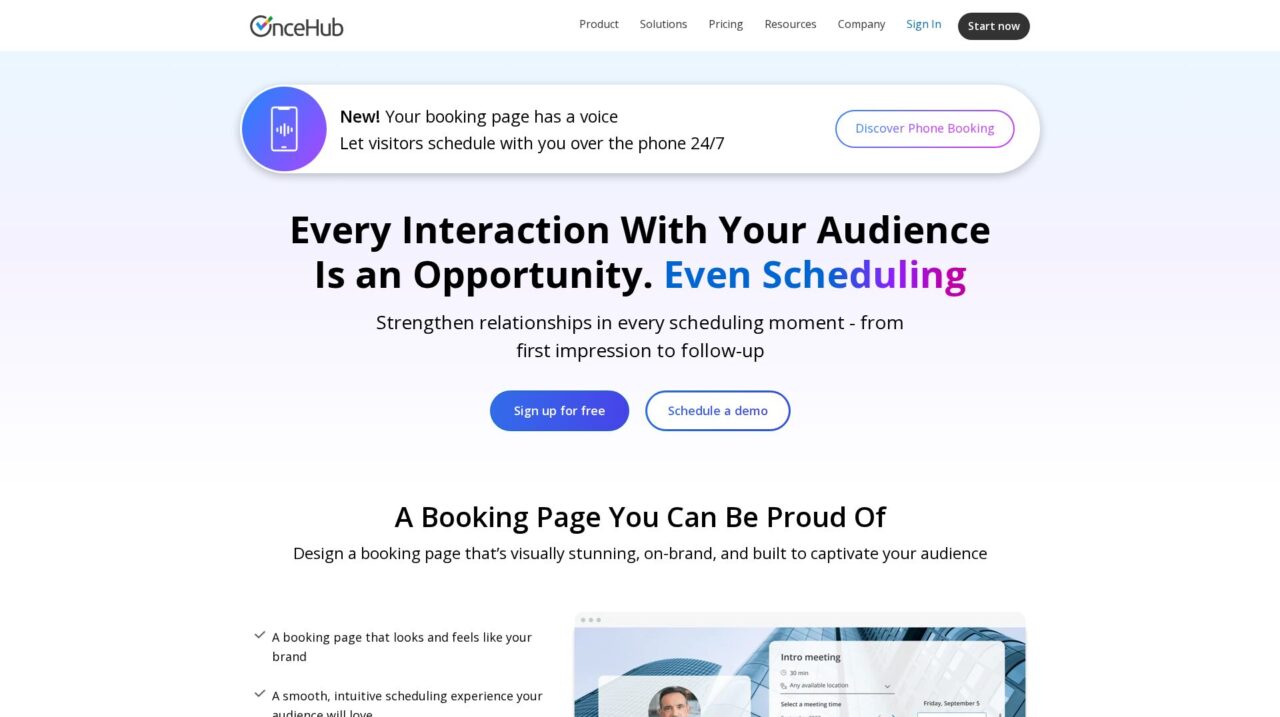

ScheduleOnce (by OnceHub) is an online appointment scheduling platform for teams that need branded booking pages, smart routing, and integrated scheduling across sales, service, support, and recruiting.
We have taken a close look at ScheduleOnce, now delivered as part of OnceHub, to understand how it performs as an online appointment scheduling platform for modern teams. This review distills that analysis into a practical guide for buyers.
If you are still comparing options across the wider space of booking and meeting tools, it is worth looking at our broader coverage of calendar and scheduling solutions in our scheduling software comparison on CX Everywhere, then coming back here for the specifics of ScheduleOnce.
ScheduleOnce has been around long enough to be a familiar name in online scheduling, particularly among sales, customer success, and service teams that moved beyond simple one-person calendar links. Yet many buyers only see the surface-level calendar booking and miss what the platform can actually do around branding, routing, and qualification.
In this review, you will learn where ScheduleOnce is strong, where it has limitations, and which use cases it fits best. The focus is on real-world suitability for teams: from small go-to-market squads to larger support and recruiting organizations that need predictable, professional scheduling flows.
At its core, ScheduleOnce solves the problem of turning interest into confirmed meetings without endless back-and-forth emails. It is used by sales, service, support, and recruiting to design on-brand booking pages, coordinate availability across people and locations, and run conversational flows that qualify and route requests before a time is ever booked.
ScheduleOnce Review Summary
ScheduleOnce is a robust online appointment scheduling platform that treats booking as a designed customer experience instead of a technical afterthought. Its strengths lie in branded booking pages, advanced calendar and resource coordination, and conversational flows that qualify and route requests intelligently.
It is best suited to teams that schedule a lot of external meetings across sales, service, support, or recruiting and want consistency, control, and integration with their existing tools. For very simple individual scheduling needs, it may feel heavier than necessary, but for multi-person, multi-location, or qualification-led workflows it provides a solid, reliable foundation.
How We Review Tools and Assign the CX Score
We've developed a comprehensive scoring system to evaluate software tools objectively. Our CX Score (1.0–5.0) reflects how strong a product is within its category, based on hands-on testing and analysis across multiple criteria.
Core Functionality
Does the tool deliver the essential features users expect? We assess whether core capabilities meet category standards and if key features are accessible across pricing tiers.
Standout Features
We evaluate unique capabilities that go beyond the basics—features that make the product faster, more efficient, or offer additional value compared to competitors.
Ease of Use
How intuitive is the interface? We consider design quality, mobile apps, templates, and whether complex tasks feel simple to execute.
Onboarding
We measure how quickly new users can get productive with minimal training. High-scoring tools require little to no external support to get started.
Integrations
We assess native integrations, third-party connections, and API access. Tools that connect easily with common tech stacks score higher.
Customer Support
How easy is it to get help? We evaluate support channels, response times, and quality of documentation. Real-time human support scores best.
Value for Money
We compare pricing against features delivered. Software that offers more functionality at competitive prices receives higher marks.
Features of ScheduleOnce
- Branded booking pages
- One-on-one scheduling
- Group and team scheduling
- Round-robin assignment
- Multi-location support
- Resource and meeting room booking
- Time zone detection
- Custom intake forms and questions
- Lead qualification workflows
- Conversational AI chat scheduling
- Phone-based scheduling
- Calendar integrations (Google, Outlook, etc.)
- Video conferencing integrations
- CRM integrations
- Zapier integration
- Public API
- Automated email reminders
- SMS reminders
- Team routing and load balancing
- Website embed widgets
- Custom branding and theming
- Multi-user management
- Role-based access control
- Reporting and analytics
- Single sign-on (SSO)
- Mobile-friendly booking pages
- Native mobile admin app
- Payment collection on booking
- HIPAA-ready configuration
- On-premise deployment
Branded Booking Pages That Reflect Your Business
ScheduleOnce lets you design booking pages that align closely with your brand, from visuals to tone of voice. This means your customers or candidates see a professional, familiar experience when choosing a time, instead of a generic widget that feels tacked on. For teams where scheduling is part of a sales or service journey, that cohesion can increase trust and conversion.
Compared with many scheduling tools that give limited customization beyond a logo and color, ScheduleOnce’s focus on page layout and messaging provides more room to add context, expectations, and next steps. This reduces confusion for visitors and sets clearer boundaries on meeting purpose and duration.
Advanced Availability Across People, Locations, and Rooms
A core feature of ScheduleOnce is its ability to handle sophisticated availability scenarios. You can define availability across multiple locations, whether in-person offices or online meeting types, and combine multiple calendars to show the best mutual times. This is particularly valuable for hybrid work and multi-office teams.
The platform supports pooling calendars for maximum availability or load-balancing across team members so no one person is overloaded. It also coordinates meeting rooms and other resources, ensuring that when a slot is booked the required people and spaces are available, which is a step beyond what most basic calendar tools provide.
Conversational Scheduling and Qualification Flows
Beyond simple slot selection, ScheduleOnce includes conversational scheduling capabilities that can gather information and assess urgency before presenting times. You can create flows that ask questions, understand the visitor’s needs, and then decide whether to show a calendar, route to a different queue, or provide an alternative resource.
This is especially valuable in sales and support, where not every inquiry should result in the same meeting type or host. By collecting context upfront, teams can reduce no-shows, avoid misrouted meetings, and prioritize high-value or urgent requests more effectively than with a one-size-fits-all booking link.
Dedicated Flows for Sales, Service, Support, and Recruiting
ScheduleOnce is flexible enough to be tailored to different functions, and it exposes common patterns for sales, service delivery, support, and recruiting. Each use case can have its own booking pages, intake questions, and routing rules while still being managed in a single platform.
For example, sales can use forms and routing to connect hot leads with the right rep; service delivery can show wider availability while enforcing SLAs; support can offer scheduling for callbacks or deep-dive sessions; and recruiting can pre-qualify candidates before they see interview slots. This multi-department reach is more comprehensive than many point solutions.
Automated Reminders and Follow-Up Messaging
Once a meeting is booked, ScheduleOnce handles reminders and personalized follow-ups to keep your brand top of mind and reduce no-shows. You can configure when reminders go out, what they say, and how they reflect your tone, which helps maintain a consistent experience from invite to post-meeting follow-up.
Compared with tools that only send generic notifications, these configurable workflows allow you to include preparation instructions, links to resources, or next steps, all of which can improve meeting quality and customer satisfaction.
Phone and AI-Assisted Booking Experiences
ScheduleOnce has expanded beyond web-based time pickers to include phone booking experiences and AI chat-driven flows. Visitors can schedule over the phone 24/7, which opens access for audiences that prefer or require voice interactions rather than web forms.
AI chat features can sit on your website, interact with visitors, collect key details, and then trigger the right scheduling flow. This extends scheduling into more conversational territory and helps teams capture opportunities that would otherwise drop off.
Integrations with Productivity, Video, and CRM Tools
The platform integrates with core productivity suites, video conferencing solutions, and CRM systems so that booked meetings automatically create events and records where your teams already work. It also supports Zapier for connecting to long-tail applications and offers an API for deeper custom integrations.
In practice, this allows booked meetings to trigger workflows such as updating a deal stage in CRM, creating a support ticket, or adding a candidate to an ATS, making ScheduleOnce an orchestrator in your broader SaaS stack rather than an isolated utility.
ScheduleOnce is generally approachable for end users who just need to share links or embed booking pages, but its real strength is in more advanced configurations, which naturally adds complexity. Basic setup, like connecting calendars and creating a single booking page, is straightforward and comparable to other scheduling tools. Non-technical users can usually get a basic flow running without extensive training.
However, when you start introducing multi-person routing, multiple locations, qualification questions, and conversational flows, the configuration layer becomes richer. Admins should expect a learning curve to model their business rules correctly and may need to iterate on flows before everything feels seamless. Once configured, though, everyday use is simple for both internal staff and external invitees, who see clean pages, clear options, and automated reminders without needing to understand the underlying logic.
ScheduleOnce integrates with popular productivity platforms, video conferencing tools, and CRMs, enabling meetings to sync with calendars, populate contact records, and trigger follow-up workflows automatically. For many organizations this covers the essentials: appointments appear in host calendars with links to conferencing tools, and CRM or ticketing systems are updated as part of the booking flow.
Beyond these native connections, the product supports Zapier, which allows non-technical teams to connect ScheduleOnce to a wide variety of SaaS tools for automation. There is also an API for teams that want to build custom integrations into proprietary systems or more complex workflows. Buyers should still confirm that their specific CRM, conferencing, and internal tools are fully supported and test edge cases such as recurring meetings, rescheduling, and cancellations as part of their evaluation.
ScheduleOnce Overview
Pros
- Highly customizable, on-brand booking pages for a polished customer experience
- Strong team scheduling with pooled availability, load-balancing, and multi-location support
- Conversational and qualification-led flows that route requests intelligently
- Supports multiple use cases across sales, service, support, and recruiting in one platform
- Integrations with productivity tools, video conferencing, CRM, plus Zapier and API
- Enterprise-grade security and compliance suitable for larger or regulated organizations
- Automated reminders and follow-ups reduce no-shows and set clear expectations
- Supports phone-based and AI chat booking for 24/7 conversational scheduling
Cons
- More complex to configure than simple one-person calendar link tools
- Smaller teams with basic needs may find the feature set heavier than required
- Advanced routing and conversational flows can require careful setup and maintenance
- Prospective buyers must verify specific integration depth for their CRM and tech stack
ScheduleOnce: Frequently Asked Questions
What is ScheduleOnce best used for?
ScheduleOnce is best for teams that need branded, controlled scheduling across sales, service, support, and recruiting, with advanced routing and qualification rather than just a simple calendar link.
Does ScheduleOnce support team and multi-person scheduling?
Yes, it can pool calendars, balance workloads across team members, and coordinate resources like meeting rooms across multiple locations.
Can I customize the look and feel of booking pages?
Yes, you can design booking pages that align closely with your brand, including visuals, copy, and the overall flow visitors experience.
What integrations does ScheduleOnce offer?
ScheduleOnce connects with common productivity suites, video conferencing platforms, and CRMs, and it also supports Zapier and an API for custom integrations.
Is ScheduleOnce suitable for small businesses or solo users?
It can be used by small businesses, but solo users with very simple scheduling needs may find lighter tools easier to set up compared to ScheduleOnce’s richer configuration options.
Can ScheduleOnce qualify leads or requests before booking?
Yes, you can build intake and conversational flows that collect information, assess urgency, and then route to the right calendar or decide whether a meeting is needed at all.
Does ScheduleOnce support phone or chat-based scheduling?
Yes, it offers phone-based booking experiences and AI chat features to let visitors schedule 24/7 through conversational interfaces.
Is ScheduleOnce secure enough for enterprise use?
OnceHub positions ScheduleOnce with enterprise-grade security, reliability, and compliance, though buyers should still review specific certifications and policies for their requirements.
