
Ashby Review: All-in-One Recruiting Platform for Ambitious Teams 2026
 Mar 03,2026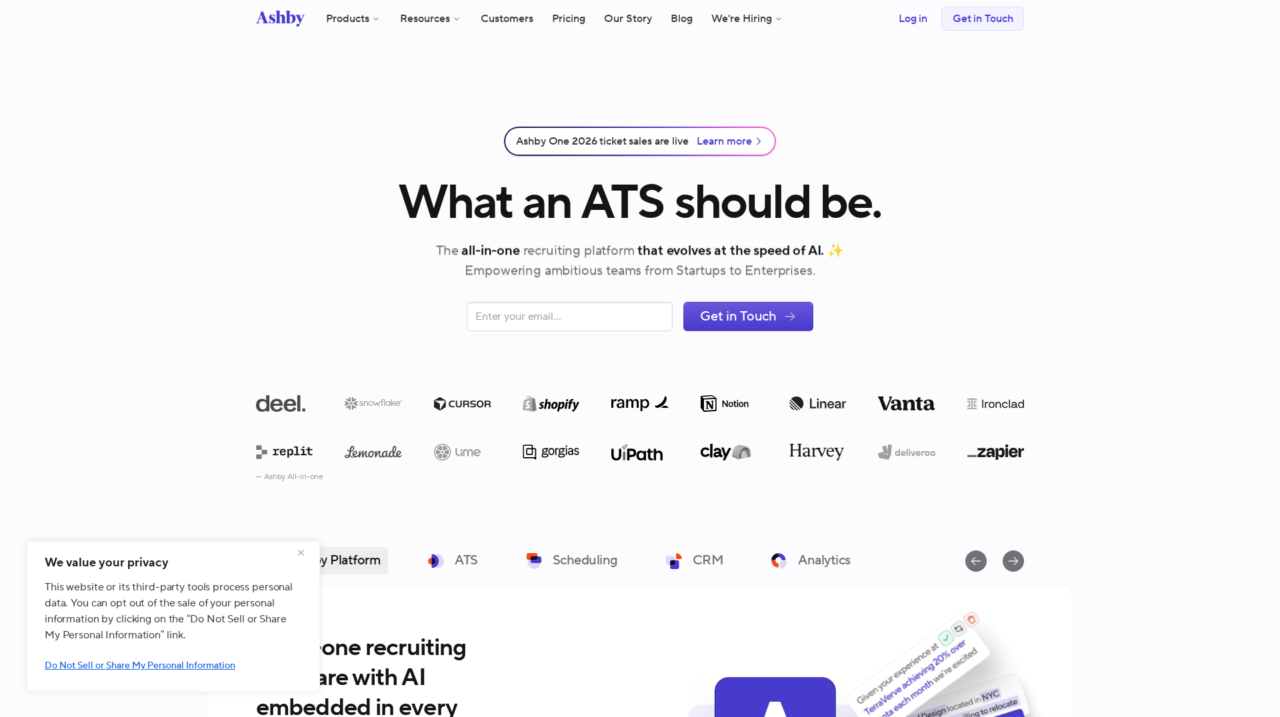

Ashby is an all-in-one recruiting platform that combines ATS, analytics, scheduling, and CRM capabilities, built for fast-growing startups and enterprise talent teams.
After analyzing Ashby from the perspective of both recruiters and talent leaders, this review lays out how the platform actually performs as an all-in-one recruiting solution. The goal is to help you decide whether it is the right backbone for your hiring operations.
If you are still surveying the landscape more broadly, it is worth comparing Ashby against other options in the wider recruiting software category, where tools range from lightweight ATS products to full talent suites. Understanding where Ashby sits on that spectrum is key to making a confident choice.
Ashby has built a strong reputation among high-growth startups and modern talent teams for offering a “proper ATS” with powerful in-system sourcing and analytics. That reputation is deserved, but it does not automatically mean it will be a match for every organization or hiring model.
In this review, we will walk through Ashby’s core strengths and limitations, how its features support structured and data-driven hiring, and which company profiles it serves best. The focus is on practical guidance for heads of talent, recruiters, and operations leaders at fast-growing companies considering a new recruiting platform.
At its core, Ashby consolidates ATS, analytics, scheduling, and CRM capabilities into a single system to help talent teams improve candidate experience, assessment quality, and hiring productivity. The result is a platform that aims to support end-to-end hiring excellence rather than just basic applicant tracking.
Ashby Review Summary
Ashby stands out as a modern, thoughtfully designed recruiting platform that brings together applicant tracking, analytics, scheduling, and CRM in a coherent way. It aligns especially well with organizations that want structured, data-informed hiring and are willing to invest some time in configuration and process design to get there.
It is not the cheapest or simplest tool on the market, and teams with very light hiring volumes or highly specialized requirements may find better fits elsewhere. For scaling startups and mid-market to enterprise teams that see recruiting as a strategic discipline, however, Ashby offers a strong balance of usability, power, and analytical depth.
How We Review Tools and Assign the CX Score
We've developed a comprehensive scoring system to evaluate software tools objectively. Our CX Score (1.0–5.0) reflects how strong a product is within its category, based on hands-on testing and analysis across multiple criteria.
Core Functionality
Does the tool deliver the essential features users expect? We assess whether core capabilities meet category standards and if key features are accessible across pricing tiers.
Standout Features
We evaluate unique capabilities that go beyond the basics—features that make the product faster, more efficient, or offer additional value compared to competitors.
Ease of Use
How intuitive is the interface? We consider design quality, mobile apps, templates, and whether complex tasks feel simple to execute.
Onboarding
We measure how quickly new users can get productive with minimal training. High-scoring tools require little to no external support to get started.
Integrations
We assess native integrations, third-party connections, and API access. Tools that connect easily with common tech stacks score higher.
Customer Support
How easy is it to get help? We evaluate support channels, response times, and quality of documentation. Real-time human support scores best.
Value for Money
We compare pricing against features delivered. Software that offers more functionality at competitive prices receives higher marks.
Features of Ashby
- Cloud-based deployment
- Applicant Tracking System (ATS)
- Recruiting CRM / Talent Pooling
- Advanced analytics and custom dashboards
- Real-time reporting and alerts
- Interview scheduling and calendar integration
- Structured interview kits and scorecards
- Workflow automation rules
- Customizable pipelines and stages
- DEI and diversity pipeline reporting
- Candidate email templates and sequences
- Collaboration tools for hiring managers
- Role-based permissions and access control
- API access
- HRIS integration
- Single sign-on (SSO)
- Mobile-friendly web interface
- On-premise deployment
- Native payroll processing
- High-volume hourly hiring specialization
Applicant tracking built for structured hiring
Ashby’s ATS is designed around structured hiring workflows rather than ad hoc pipelines. Talent teams can define standardized interview plans, scorecards, and evaluation criteria for each role, ensuring that every candidate goes through a consistent process and is assessed against clear benchmarks. This structure reduces bias, shortens calibration cycles with hiring managers, and makes it easier to compare candidates fairly.
Compared with many ATS tools that only offer simple stages and notes, Ashby’s approach gives recruiting teams more control over process quality without sacrificing day-to-day usability. Interviewers receive clear guidance and context, and hiring managers can make more confident decisions based on structured feedback instead of scattered comments.
Advanced analytics and real-time dashboards
Analytics are a core differentiator for Ashby. The platform goes beyond fixed reports by offering customizable dashboards, flexible filters, and the ability to track granular metrics across the entire funnel. Recruiters and leaders can monitor conversion rates, time-to-fill, source performance, and DEI-related metrics in real time, and they can adjust views to match their specific reporting needs.
This is particularly valuable in fast-scaling organizations where transparency and quick iteration are crucial. Instead of exporting CSV files to BI tools or spreadsheets, most operational and strategic reporting can be done directly inside Ashby, saving time and improving data consistency.
Scheduling and coordination for smoother interviews
Interview scheduling is often a hidden tax on recruiting teams, and Ashby tackles this with integrated scheduling features. Coordinators can view interviewer availability, assemble panels, and send invitations directly from within the platform, reducing back-and-forth email threads. Calendar integrations help ensure that interviews are booked quickly and accurately.
By putting scheduling in the same system as candidate profiles and interview plans, Ashby reduces context switching and mistakes. This compares favorably to setups where scheduling is offloaded to standalone tools, and it directly improves candidate experience by speeding up the process and reducing reschedules.
Recruiting CRM and pipeline building
Beyond inbound applications, Ashby supports proactive pipeline building with CRM-style capabilities. Recruiters can source candidates, add them to campaigns or talent pools, and nurture relationships over time. In-system sourcing and outreach help teams move away from spreadsheet-based tracking and disjointed email flows.
For companies that rely heavily on outbound recruiting or that maintain long-term talent communities, these capabilities reduce friction and keep all candidate interactions within one system of record. While specialized CRMs may go deeper into marketing-style automation, Ashby’s approach strikes a practical balance tailored to recruiting teams.
Automation to reduce manual work while keeping a human touch
Ashby includes automation features that handle repetitive tasks, such as moving candidates between stages based on triggers, sending reminders, and maintaining data quality. These rules are configurable, allowing teams to tailor automation to their own processes without writing code. The idea is to remove low-value manual work while still enabling personalized interactions with candidates where it matters.
Compared with many ATS tools that offer limited or rigid automation, Ashby gives recruiting operations teams more control over how workflows behave. When set up well, this not only saves time but also enforces consistency and compliance across the organization.
Collaboration and visibility across the hiring team
Visibility is a recurring theme in Ashby’s design. Hiring managers, recruiters, and leadership all have access to views and dashboards suited to their roles, and collaboration happens around shared objects such as candidates, jobs, and reports. Feedback, notes, and decisions are all captured within the system, reducing reliance on side-channel communication.
This makes it easier for leaders to understand where roles stand, for recruiters to coordinate actions, and for hiring managers to stay engaged. Many older ATS products fall short on this type of collaboration support, resulting in fragmented communication and slower decisions.
Ashby aims to be “easy to get started with, powerful when you are ready,” and that philosophy largely comes through in daily use. The interface feels modern, with clear pipelines, candidate views, and dashboards that minimize unnecessary clicks. Recruiters who have used other cloud ATS tools will find the basics intuitive, and hiring managers typically interact with a simplified subset of functionality focused on feedback and decision-making.
The tradeoff for Ashby’s depth is that there is meaningful setup work, particularly around defining stages, interview plans, scorecards, and reports. For teams with an operations mindset, this is an opportunity to design better processes; for very small or ad hoc hiring teams, it may feel like overhead. Once configured, ongoing administration is manageable, but organizations should plan for a thoughtful implementation period to fully benefit from the platform’s capabilities.
Ashby integrates with common tools used across recruiting workflows, including calendars and email for interview scheduling and communication. As a modern SaaS platform, it is built to sit within a broader HR and IT ecosystem, and it typically connects to HRIS, SSO, and other systems as part of implementation. The unified design that combines ATS, analytics, scheduling, and CRM also reduces the number of separate tools that need to be integrated.
For buyers, the specifics will depend on their existing tech stack and regional needs, so it is important to validate native integrations and API capabilities during the sales process. Teams should confirm how Ashby will connect to their HRIS, identity provider, and any specialized sourcing or assessment tools they rely on, as integration depth can vary by vendor and plan.
Ashby Overview
Pros
- Robust all-in-one platform combining ATS, analytics, scheduling, and CRM
- Exceptionally strong, customizable analytics and real-time dashboards
- Supports structured hiring with interview plans and scorecards
- Modern, recruiter-friendly interface that reduces clicks and context switching
- Automation capabilities that streamline repetitive recruiting operations work
- Good fit for high-growth startups and data-driven talent teams
- Improves visibility for hiring managers and leadership through shared dashboards
- Integrated scheduling reduces coordination overhead and speeds up interviews
Cons
- May feel heavyweight for very small teams with minimal hiring needs
- Initial configuration and process design require meaningful implementation effort
- Not optimized for high-volume hourly or frontline hiring at large scale
- Pricing details are not fully transparent, requiring sales conversations
- Depth of features can introduce a steeper learning curve for casual users
Ashby: Frequently Asked Questions
What type of companies is Ashby best suited for?
Ashby is best for high-growth startups, scaleups, and mid-market to enterprise teams that hire continuously across multiple functions and want structured, data-driven recruiting.
Can very small companies use Ashby effectively?
They can, but teams making only a handful of hires per year may find Ashby more powerful than they need and may not fully leverage its analytics and automation.
Does Ashby replace both an ATS and recruiting analytics tool?
Yes, Ashby is designed as an all-in-one platform that combines ATS functionality with advanced analytics, scheduling, and light CRM so most teams do not need a separate reporting layer.
How complex is it to implement Ashby?
Implementation involves configuring pipelines, interview plans, scorecards, and integrations, plus any data migration. For teams willing to invest in process design, this setup yields a scalable, consistent hiring system.
Does Ashby support structured interviews and scorecards?
Yes, structured interviews and role-specific scorecards are core features, helping teams run more consistent and fair assessments across candidates.
Is Ashby suitable for high-volume hourly hiring?
Ashby can manage volume, but it is primarily optimized for knowledge-worker and professional hiring rather than specialized high-volume frontline scenarios.
Can I build custom reports in Ashby?
Yes, users can build customizable dashboards and reports, filter by many dimensions, and track metrics such as conversion rates, time to hire, and source performance in real time.
How does Ashby improve collaboration with hiring managers?
Ashby provides clear views, feedback workflows, and dashboards for hiring managers so they can review candidates, submit structured feedback, and track progress without leaving the system.
